Desktop
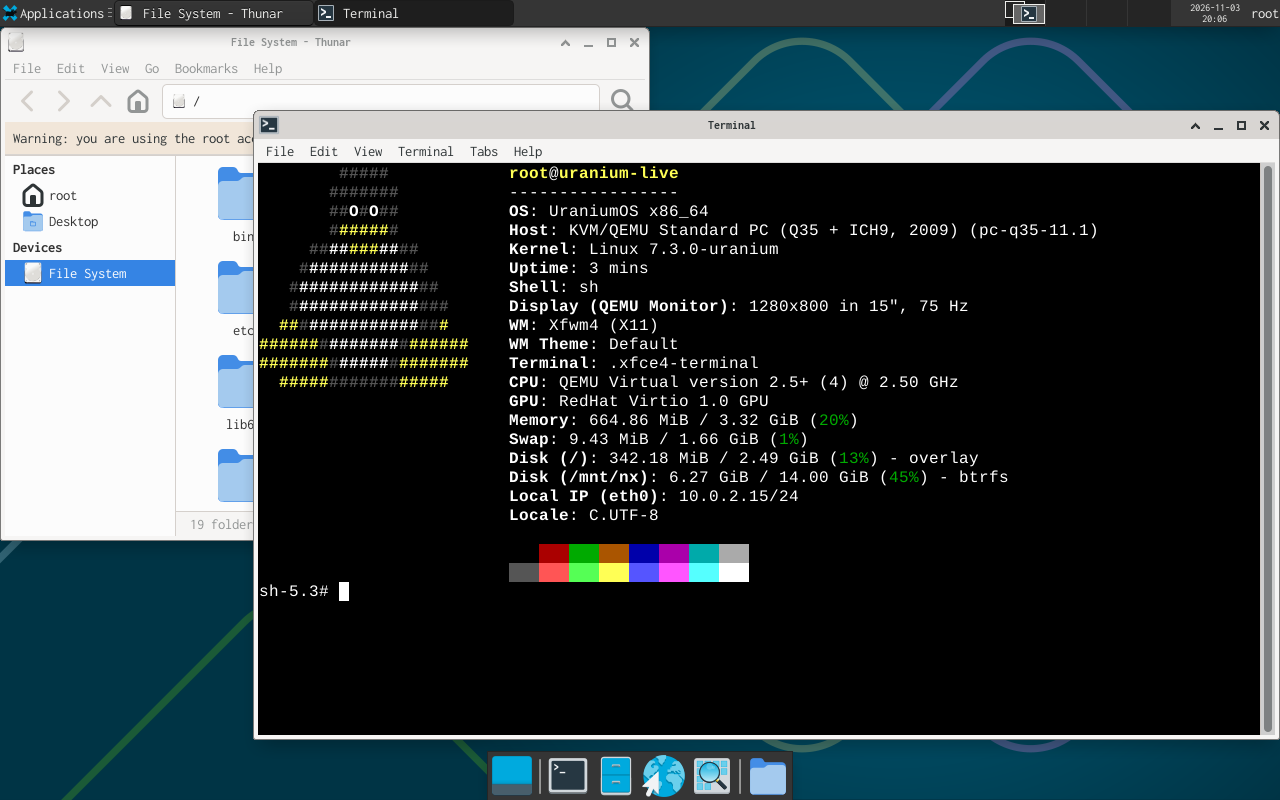
The desktop is Xfce on X11, with the default theme and settings.
Live medium
To install it, log in as root and run:
# startxInstalled system
The installer sets the desktop up for it's user when the profile desktop is chosen. For another user, run:
# rod +s
# rod +i @xorg @xfce
# uranium-desktop ann
Log in as ann on the first console. ~/.profile runs uranium-session, which runs startx.
To leave a package of the set out, name it after -i:
# rod +i @xorg @xfce -i mousepadWhat uranium-desktop writes
/etc/X11/xorg.conf.d/10-uranium.conf | The place where the X server looks for its modules and keymaps. |
~/.xinitrc | exec startxfce4 |
~/.xserverrc | Starts /rod/profile/bin/Xorg -nolisten tcp -keeptty. |
~/.profile | A line that runs uranium-session on /dev/tty1. |
/etc/sv/udevd | The udev service, which is enabled in /etc/service. |
It also adds the user to the groups video and input.
Packages
/etc/rod/sets/xorg:
xorg-server
xinit
xf86-input-libinput
xkeyboard-config
xkbcomp
xauth
xrandr
setxkbmap
xterm
dbus
eudev
polkit
fontconfig
dejavu_fonts
mesa
xdg-user-dirs
shared-mime-info
desktop-file-utils
adwaita-icon-theme
xrdb
xmodmap
xset
xsetroot/etc/rod/sets/xfce:
xfce4-session
xfwm4
xfce4-panel
xfdesktop
xfce4-settings
xfconf
garcon
libxfce4ui
xfce4-exo
xfce4-appfinder
xfce4-notifyd
xfce4-terminal
xfce4-power-manager
thunar
mousepad
polkit_gnome
xfce4-icon-theme